English
- English
- 中文
How do I change the battery on my iPhone? Learn this trick and the old iPhone may be able to fight for another three or five years.
Time: 2024-12-24 10:12:49
Author: Shenzhen GXHS Electronic Technology Co., Ltd.
Click:
The year is approaching and the north wind is rising, looking back at the year of cattle and horses, full of joy but also regretful. After charging an extra three or five buckets, I bought a second-hand iPhone as a reward, and I thought about changing to a new battery, and it would not be a problem to fight for another three or five years. So Lao Tie, how to replace the battery of the Apple mobile phone? Learn this trick old iPhone or be able to fight for another three or five years!
The year is approaching and the north wind is rising, looking back at the year of cattle and horses, full of joy but also regretful. After charging an extra three or five buckets, I bought a second-hand iPhone as a reward, and I thought about changing to a new battery, and it would not be a problem to fight for another three or five years. So Lao Tie, how to replace the battery of the Apple mobile phone? Learn this trick old iPhone or be able to fight for another three or five years!
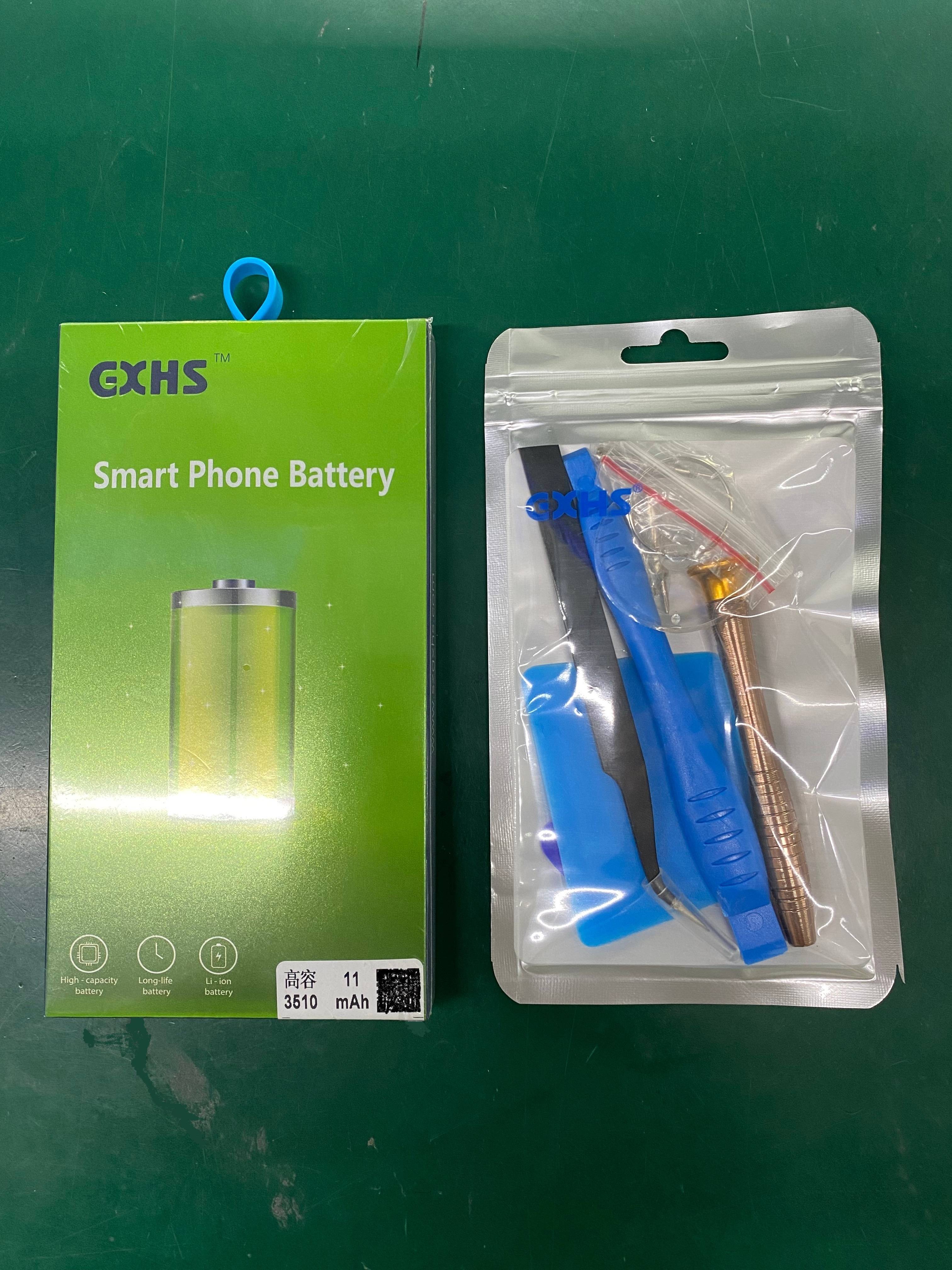
Battery replacement tutorial for iPhones
Preparation: Make sure your phone is turned off and have the tools you need, including a screwdriver, blades, picks, heat guns, cleaning fluid, and adhesive remover, among others.
Remove the bottom screws: Use a screwdriver to unscrew the screws on the bottom of your phone.
Use adhesive remover: Drip an appropriate amount of adhesive remover into the gap of the mobile phone (if there is no sol liquid, you can use a small amount of alcohol or a heat gun to heat the screen evenly), gently stuff the blade to pry a slit, and then use the pry blade to gently scratch along the gap and separate the screen.
Separate the screen from the battery: Use a protective film to cover the camera and facial recognition module to avoid dirt and damage. Fix the screen with a support to a 90° angle to avoid pulling and damaging the cable. Use a screwdriver to unscrew the cable shield screws, uncover the cable buckled on the motherboard, and remove the screen.
Remove the old battery: Use a heat gun to heat the phone case slightly or drop a small amount of glue remover, pull out the battery glue with insulating tweezers, remove the old battery, and clean up the residual glue in the battery compartment.
Install the new battery: Peel off the protective film of the new battery, place the battery into the phone, make sure the battery is flat and undamaged, and press gently for a few seconds. After the battery is firmly adhered and the screen cable is replaced, install the battery cable, reset the cable protection cover, and tighten the screws.
Initial check: Test the functions of the phone to ensure that the battery is healthy and normal, and then proceed to the next step.
Clean the inside: If necessary, you can further clean the inside of the phone to ensure that there is no glue residue, and it is best to reapply the waterproof glue.
Boot recheck: After everything is ready, boot up to recheck the performance, fingerprint recognition, face recognition, battery health information, etc., to ensure that everything is safe, and the battery replacement is now complete.
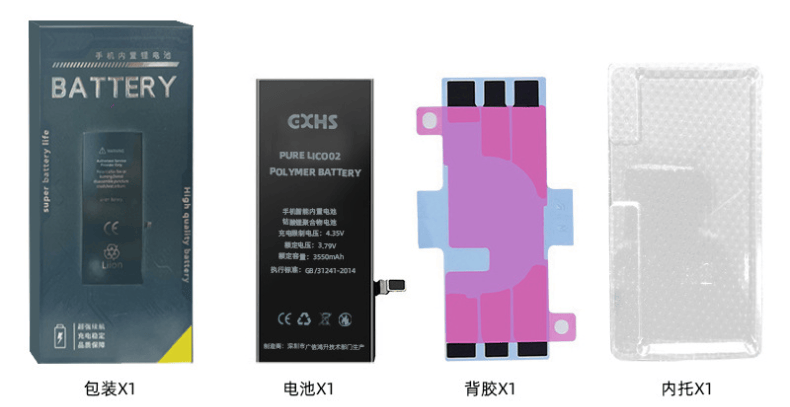
Precautions for replacing the battery of the iPhone
When separating the screen, be careful not to exceed 90°, otherwise it may damage the cable and affect the shooting function.
When taking the battery glue, it is recommended to use a professional heat gun to heat the back, the operation is more silky, and the battery glue is easier to remove.
After replacing the new battery, do not rush to install the bottom screws, first turn on the machine to test the function and battery health, and confirm that it is correct before proceeding to the next step.
When cleaning the inside of the phone, make sure that the adhesive residue on the edges is also cleaned, so as to ensure that the screen of the phone fits tightly and is effectively waterproof and dustproof.
Tool preparation: brand new batteries, mobile phone screwdrivers, blades/plastic pries, heat guns, glue remover/alcohol, waterproof glue, protective film, etc.
The operation of replacing the battery should be gentle and slow, and it is not appropriate to disassemble the machine violently, so as not to damage the screen, cable and electronic components. If the hands-on ability is not good, you can also entrust a professional maintenance master to replace it.
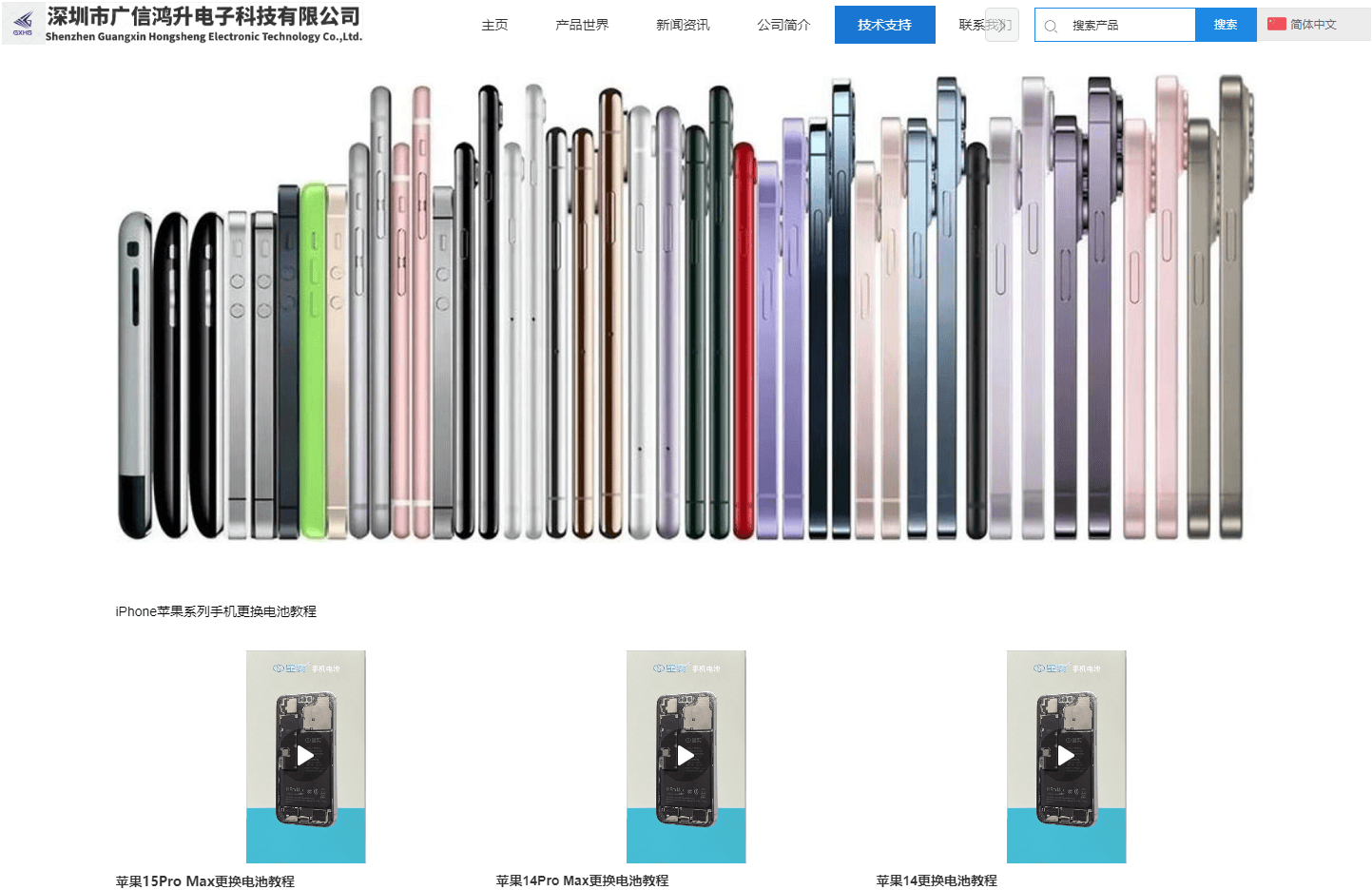
With Apple's iOS 18.1 system update, iPhone third-party battery health information has been fully checked. For old iPhone users, the original battery is not worth it, transplanting the battery cell is not recommended, and the genuine and regular third-party mobile phone battery is the value choice.
Blessed are the friends who love GXHS and Xingyi battery! Guangxin Hongsheng Chinese official website (www.szgxhs.com/cn) has now launched a new technical support page, iPhone full series of mobile phone battery replacement tutorial click to see, seamless adaptation to the computer and mobile terminal, convenient for the old iron to find reference, barrage empty welcome to chat.

Home | About Us | News | Contact
Product | battery | Rechargeable | Official Mall
Tel :0755-8860 5858
E-mail:cmq@szgxhs.com
Add : F3, No. 18, Dishan North Road,
Xinsheng Community,Longgang
Street, Longgang District,Shenzhen,
Guangdong, China